
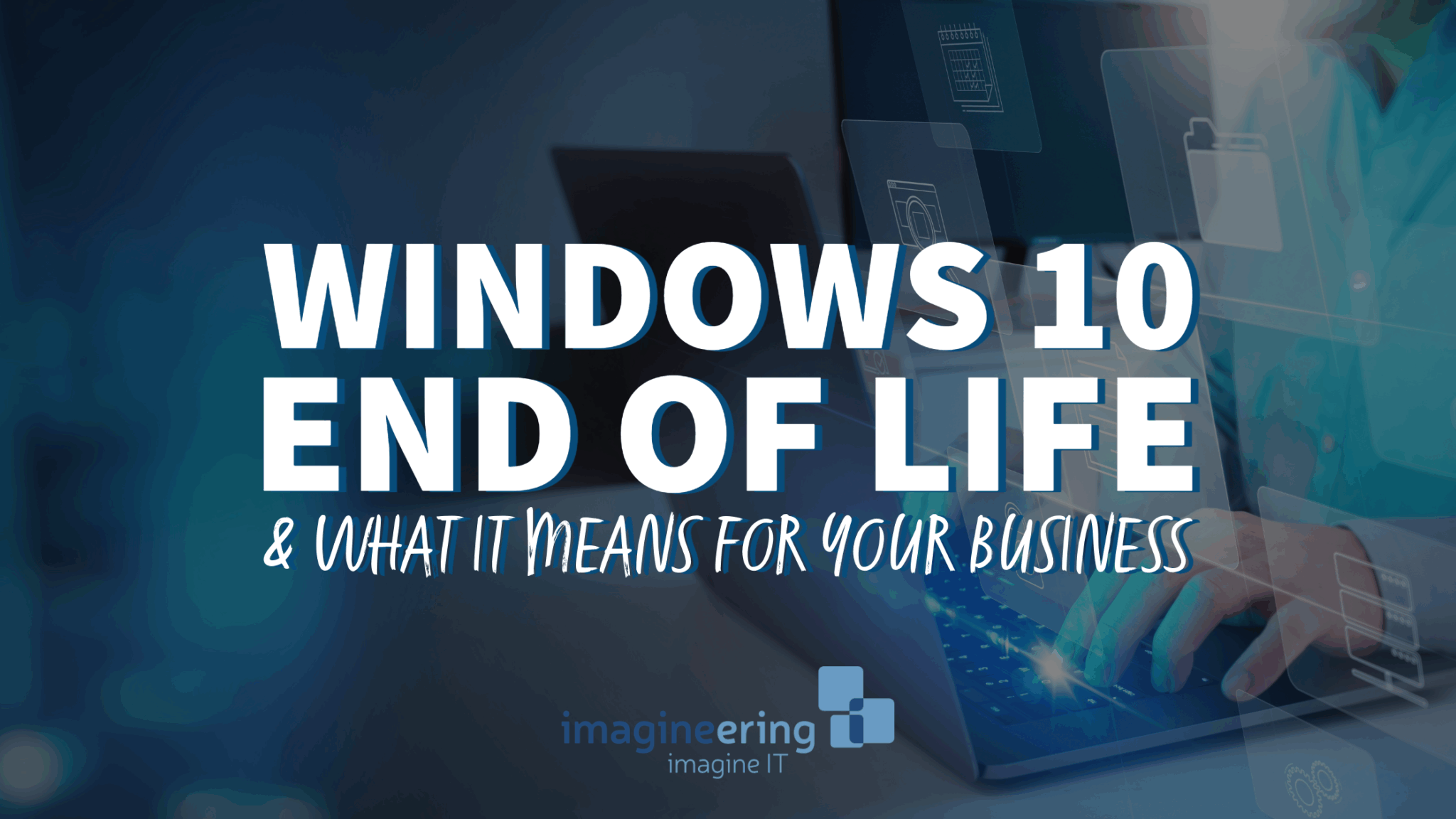
If your business is still running on Windows 10, now’s the time to start planning. Microsoft has announced that support for Windows 10 will officially end on October 14, 2025. That might feel like a distant deadline—but in the world of technology and business planning, it’s closer than it seems.
At Imagineering, we help Chippewa Valley businesses stay ahead of technology changes—and Windows 10’s end of life (EOL) is a big one.
Here’s what you need to know:
What Does “End of Life” Actually Mean?
When Microsoft says it’s ending support for Windows 10, it means:
🛑 No more security updates
🛠️ No technical support
🔒 No vulnerability patches
In other words, your Windows 10 machines will still work—but they’ll be increasingly vulnerable to cyber threats, compliance issues, and software compatibility problems.
How Many Businesses Will This Affect?
A lot. According to recent estimates, over 68% of business PCs are still running Windows 10. If that includes your organization, you’re not alone—but that also means supply and upgrade timelines could get tight as the deadline approaches.
What Are Your Options?
Microsoft is nudging users toward Windows 11, which offers improved security, speed, and modern features. But upgrading isn’t always as simple as downloading a new version—especially for businesses with older hardware or complex networks.
Here are your main choices:
Upgrade to Windows 11
✔ Best for modern PCs
✔ Most secure, long-term solution
❗ Hardware compatibility may be an issueReplace outdated devices
✔ Ideal if your hardware is already 4+ years old
✔ May qualify for bulk or business pricing
❗ Upfront costs but better long-term ROIPurchase Extended Security Updates (ESUs)
✔ Microsoft is offering three years of paid security updates after the EOL
❗ Temporary fix—not a long-term solution
❗ Only available for select editions (Pro and Enterprise)
What Should You Do Next?
The earlier you plan, the smoother your transition will be. We recommend:
Taking inventory of all devices still running Windows 10
Checking compatibility with Windows 11
Budgeting now for upgrades or replacements
Creating a phased rollout plan with minimal disruption
Working with a trusted IT partner (hi, that’s us 👋)
Need Help?
Upgrading your systems can feel overwhelming—but it doesn’t have to be. At Imagineering, we offer expert guidance, hardware recommendations, and hands-on support to help you make a seamless, secure transition before the October 14, 2025 deadline.
Don’t wait until the last minute. Let’s start the conversation today.
The 7 Most Common Security Holes
You Can Fix Right Now

Building Your IT Budget: A Smarter Approach to Technology Spending
Building an IT budget does not have to be reactive. Learn how to prioritize your technology spending and create a plan that supports long-term business growth.

Disaster Recovery Strategy: Is Your Business Prepared?
Downtime can be costly for any business. Learn how a strong IT disaster recovery strategy helps protect your data, restore systems quickly, and keep operations running smoothly.

Reintroducing Imagineering: Your Local Partner in Smarter Business Technology
Imagineering is a locally based IT consulting and managed services provider helping businesses in the Chippewa Valley work smarter with reliable, secure technology solutions. Learn who we are, what we do, and how we partner with businesses to support growth and long-term success.